
The One Fun Month At A Time Calendar

The free online Calendar brings your 12 Be A Better Partner™ themes into your world by letting you download ongoing activities, monthly reminders, cell phone, or PDA reminders.
Now both of you can stay connected and focused every month! Just go to our Calendar page to link to the Google Calendar we have created.
View the BE A BETTER PARTNER™ calendar online, sync it with your computer calendars, or set email, PDA or cell phone reminders. Use the BE A BETTER PARTNER™ online calendar to create your own personal partners calendar that will send you email or text message reminders of important partner dates and events.
Now both of you can stay connected and focused every month! Just go to our Calendar page to link to the Google Calendar we have created.
View the BE A BETTER PARTNER™ calendar online, sync it with your computer calendars, or set email, PDA or cell phone reminders. Use the BE A BETTER PARTNER™ online calendar to create your own personal partners calendar that will send you email or text message reminders of important partner dates and events.
Step One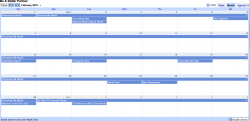
Click on this calendar to be taken to the Be A Better Partner Google Calendar
|
Step Two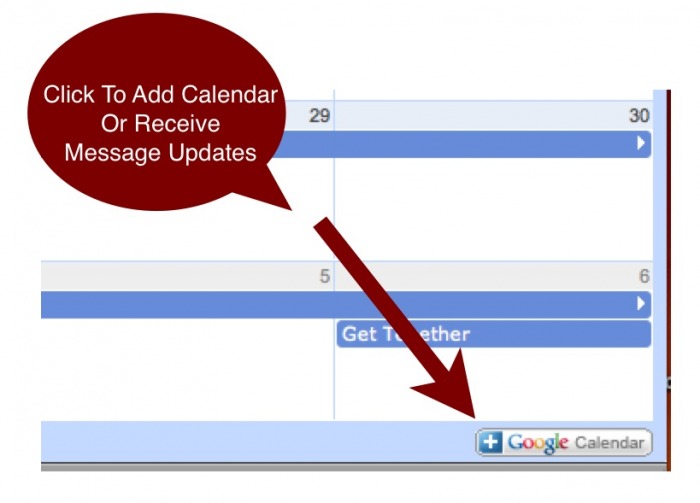
Click on the Google Calendar icon in the bottom right hand corner of the page
|
Step Three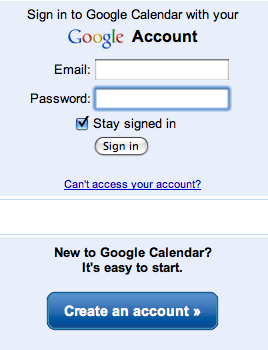 Sign in or Create a new account
with your own email You must register with google (you can use your current email address) to receive the message updates or add to your own calendar.
|
To Receive Email Reminders Or Text Messages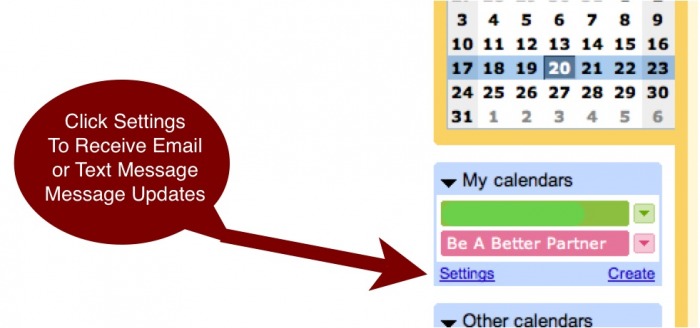 Click The Settings Link
To receive notifications via email or SMS text message, just click on "settings" and "notifications" to set your preferences.
You are then free to download all of the online Be A Better Partner monthly activities and start your planning! |
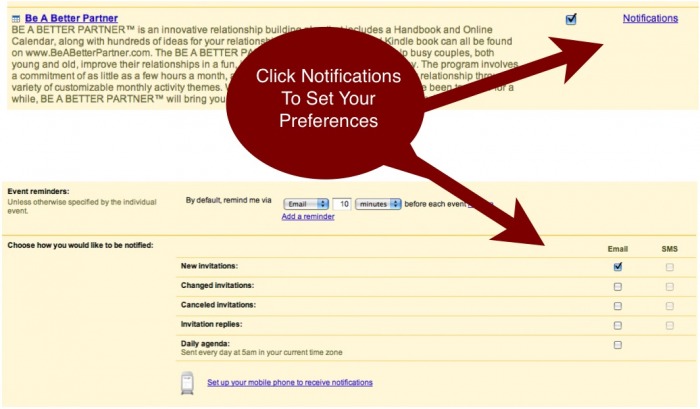 Click Notifications To Set Your Preferences |
Enjoy Your Reminders Sample Google Calendar Email
*Note: This is a public calendar on Google - no sign up or registration is necessary!
If you prefer not to sign up with Google, you can still access the calendar anytime - however you won't be able to receive email, sync calendars or SMS text message updates. You cannot edit the BE A BETTER PARTNER™ Calendar on Google but you can easily set up your own personal Calendar for you and/or your significant other, and invite each other on different items/dates on your own calendars. |